Last updated: June 7, 2026 · By The Editorial Team · We test every tool ourselves. Affiliate disclosure: some links earn us a commission at no extra cost to you.
Canva is great — until you want better AI, real presentation tools, or a price that fits. I tested the leading alternatives in 2026 and sorted them by what you actually need: social graphics, presentations, video, or just a free option.
Quick picks:
- Best overall / best AI: Adobe Express (Firefly)
- Best for presentations & reports: Visme
- Best free: Microsoft Designer
- Best for AI illustrations: Kittl
- Best for social graphics: VistaCreate
Tools In This Review
- Adobe Express AI-Powered
- Visme Presentations
- Microsoft Designer Free AI
- Kittl AI Illustrations
- VistaCreate Animated
- Snappa Quick
- Fotor Photos
- BeFunky Photo Collages
- Piktochart Infographics
How I tested
- What I designed: social media posts, Story graphics, and a short presentation deck.
- What I scored: AI features, ease of use, template quality, and price.
- Who tested it: The Editorial Team — we test every tool with a real account and real content before it makes it into any guide..
Best overall — Adobe Express AI-Powered Design
Firefly AI (text-to-image, generative fill) with commercially-safe training. Strong free templates and tight integration with the Adobe ecosystem. AI credits are capped on the free tier.
Adobe Express combines Firefly AI (text-to-image, generative fill, background removal) with thousands of professionally-designed templates. Pros: best-in-class AI image quality; tight Adobe ecosystem integration; commercially-safe Firefly training. Cons: AI credits capped on free tier. Pricing: Free; Premium ~.99/mo. ➡️ Try Adobe Express →
Best for presentations & reports — Visme Presentations
Best Canva alternative for data-heavy presentations and reports. AI charts connect to Sheets/Excel for live data — ideal for business and agency content.
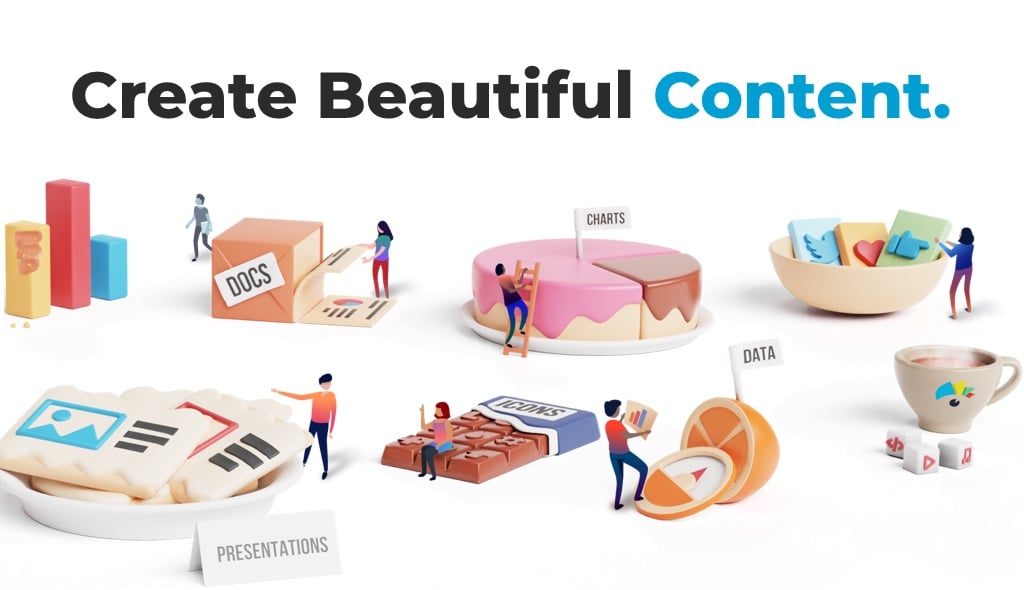
Goes far beyond social graphics: interactive presentations, infographics, and data-driven charts. Pros: best-in-class charts/infographics; connects to Sheets/Excel for live data. pricier entry. Pricing: Free Basic; Starter ~$29/mo, Pro ~$59/mo. (Verify.) ➡️ Try Visme →
Best free — Microsoft Designer Free AI Design
Genuinely capable free design tool with fast AI graphic generation. Requires a Microsoft account. Fewer templates than Canva but the AI generation speed is impressive — and it is completely free.
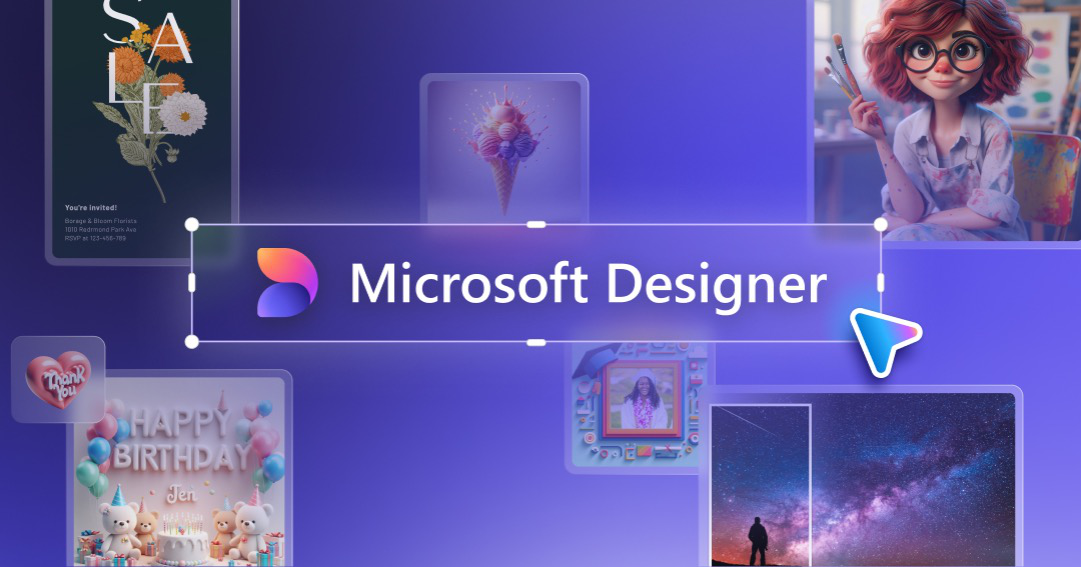
A genuinely capable free design tool with fast AI graphic generation (needs a Microsoft account). Pros: free; quick AI designs. Cons: ; fewer templates than Canva. ➡️ Try Microsoft Designer →
Best for AI illustrations & creative design — Kittl AI Illustrations

Best Canva alternative for AI-generated illustrations and vector-style artwork. Templates lean toward posters, merch, and social media — and the AI image quality beats most competitors.
Kittl is built for creators who want more artistic depth than Canva. Its AI image generator produces vector-style illustrations, vintage posters, and artistic backgrounds in seconds. Pros: outstanding AI illustration quality; excellent typography tools; great for merchandise and print. Cons: smaller template library than Canva; export limits on free tier. Pricing: Free; Pro ~$15/mo; Expert ~$30/mo. ➡️ Try Kittl →
Best for social graphics — VistaCreate & Snappa Animated Templates
Large library of animated templates — strong for Stories and Reels. Solid free plan. AI features are fewer than Canva but the animation quality stands out.
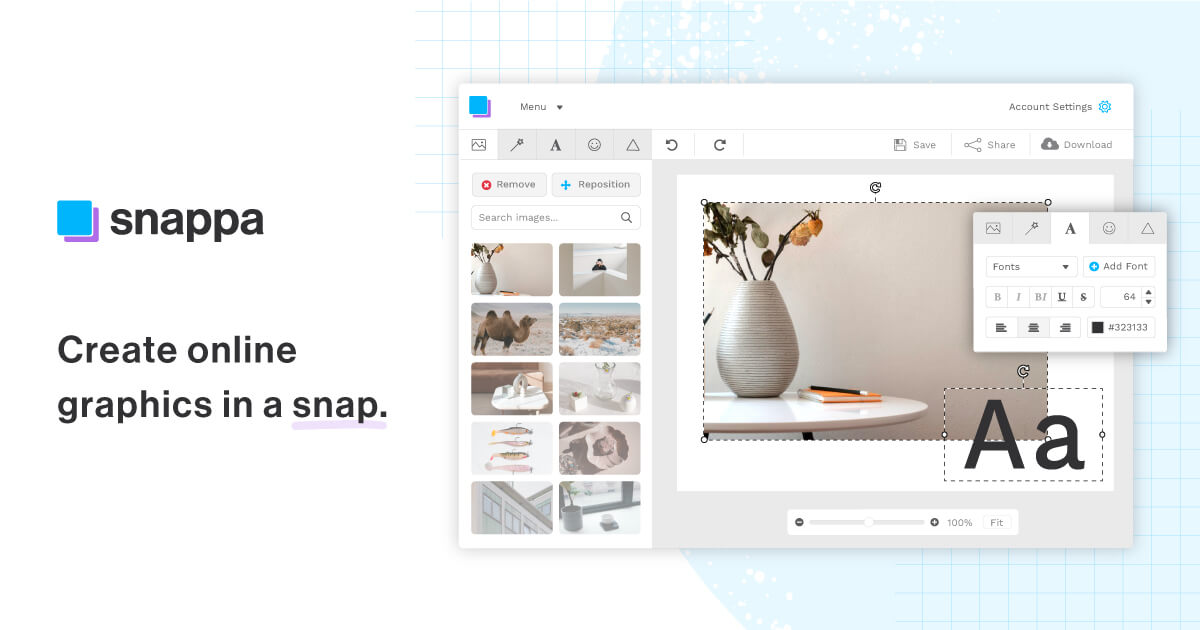
- VistaCreate — big social template library + brand kit.
- Snappa — fast, simple social graphics.
Best for photo editing + AI art — Fotor Photo Enhancement
Strongest for photo-based posts — smart retouching, background removal, and HDR effects. AI image generation requires credits. Good Canva alternative for photo-heavy content.
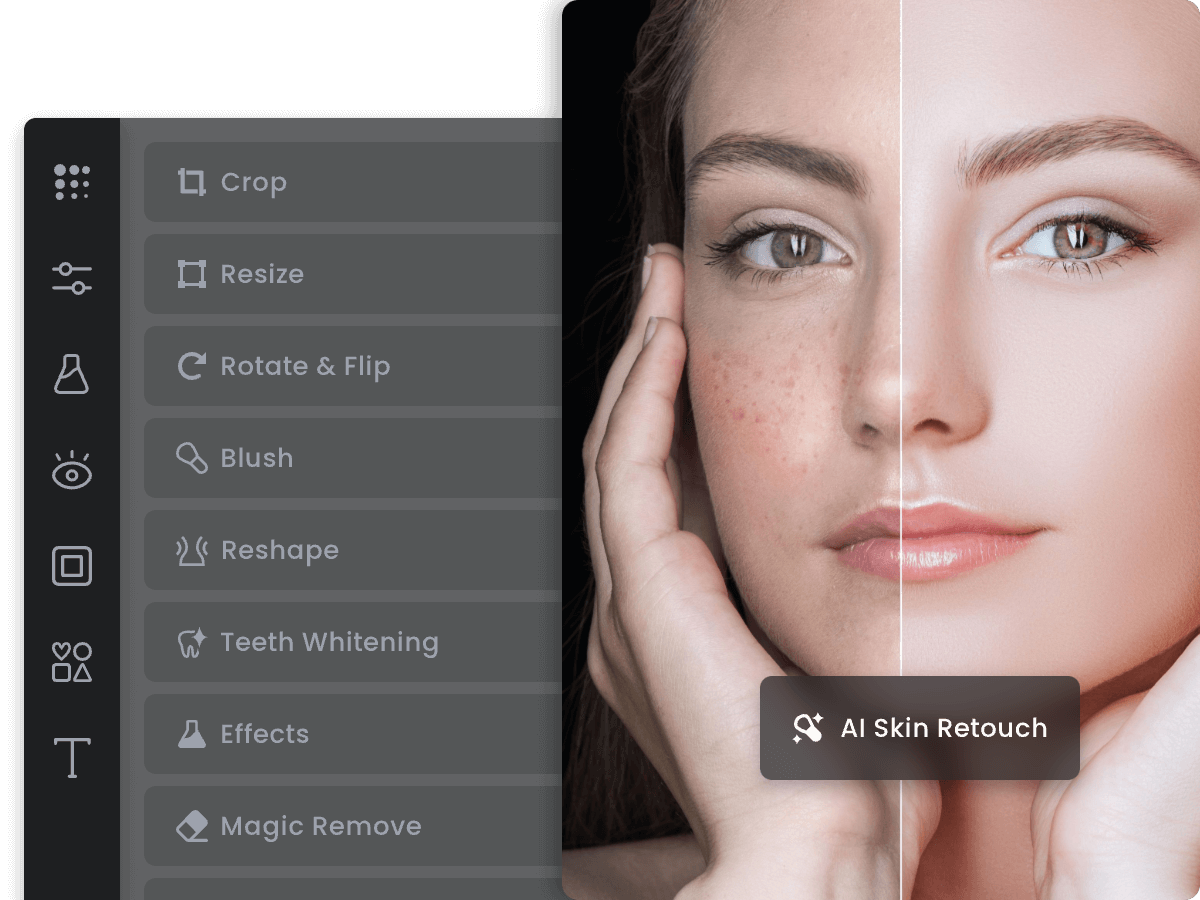
Photo editing plus AI art generation in one place. Pros: strong AI retouching + background remover; good photo-based social posts. Cons: AI art credits capped on free. Pricing: Free · Pro ~$8.99/mo. ➡️ Try Fotor →
Best for photo collages & quick edits — BeFunky Photo Collages
Three tools in one: Photo Editor, Collage Maker, and Graphic Designer. AI background removal, portrait retouching, and one-click effects make it ideal for photo-heavy content creators.
BeFunky combines a photo editor, collage maker, and graphic designer in a single browser app. Pros: all-in-one (photos + design + collages); excellent AI background remover; strong portrait retouching; very affordable. Cons: older interface than Canva; fewer social media templates. Pricing: Free; Plus ~$6.99/mo. ➡️ Try BeFunky →
Best for infographics — Piktochart Infographics
The specialist for data-heavy infographics and reports. Weakest on standard social posts but unmatched for turning stats into shareable visual content.

Built for infographics and reports. Pros: best-in-class chart types; strong data visualization. Cons: limited for standard social posts. Pricing: Free (5 projects) · Pro ~$29/mo. ➡️ Try Piktochart →
Quick comparison
| Tool | Best for | AI | Free | Starting price |
|---|---|---|---|---|
| Adobe Express | Overall / AI | Firefly | ✅ | ~$9.99/mo |
| Visme | Presentations | AI + charts | ✅ Basic | ~$29/mo |
| Microsoft Designer | Free | AI graphics | ✅ | Free |
| Kittl | AI illustrations | AI illustration | ✅ | ~$15/mo |
| VistaCreate | Social graphics | AI tools | ✅ | ~$13/mo |
| Snappa | Quick graphics | basic | ✅ limited | ~$15/mo |
| Fotor | Photo + AI art | AI art | ✅ | ~$8.99/mo |
| BeFunky | Photo collages | AI editing | ✅ | ~$6.99/mo |
| Piktochart | Infographics | AI | ✅ limited | ~$29/mo |
Which should you choose?
- Want the best AI + an all-rounder → Adobe Express.
- Make presentations/reports → Visme.
- Need free → Microsoft Designer.
- Want AI illustrations or creative posters → Kittl.
- Work with lots of photos + collages → BeFunky.
- Mostly social graphics → VistaCreate or Snappa.
FAQ
What’s the best Canva alternative? Adobe Express overall, Visme for presentations, and Microsoft Designer if you want free.
Is there a free Canva alternative? Yes — Microsoft Designer, Adobe Express’s free tier, and VistaCreate.
Which has the best AI? Adobe Express, thanks to Adobe Firefly (text-to-image and generative fill).
Why switch from Canva? Usually price, specific features (charts/presentations), or wanting Adobe’s ecosystem and AI.
Are these good for social media graphics? Yes — VistaCreate, Snappa, and Adobe Express are all strong for social.
Affiliate disclosure: This article contains affiliate links. We only recommend tools we’ve tested. Full disclosure →