Last updated: June 7, 2026 · By The Editorial Team · We test every tool ourselves. Affiliate disclosure: some links earn us a commission at no extra cost to you.
Most “Buffer reviews” are written after ten minutes inside a free trial. This one isn’t. I connected real accounts and used Buffer every day for 30 days — scheduling posts, leaning on its AI Assistant, and watching analytics — to find the things you only notice after the honeymoon wears off.
Short version: Buffer is still the easiest scheduler to live with, and its AI Assistant is genuinely free. But the per-channel pricing and a couple of recurring annoyances mean it isn’t for everyone.
Verdict at a glance:
⭐ My rating:
👍 Best for: solo creators and small businesses running 1–4 channels
👎 Skip it if: you manage many channels (cost climbs fast) or need deep analytics
💰 Price: Free for 3 channels · paid from ~$5/channel/month
The simplest, fastest scheduler with a genuinely useful free plan. AI captions adapt per channel automatically. Best pick if you manage under 4 accounts and value clean UX over feature bloat. We used it for 30 days — here’s everything we found.
4.5/5Our Score
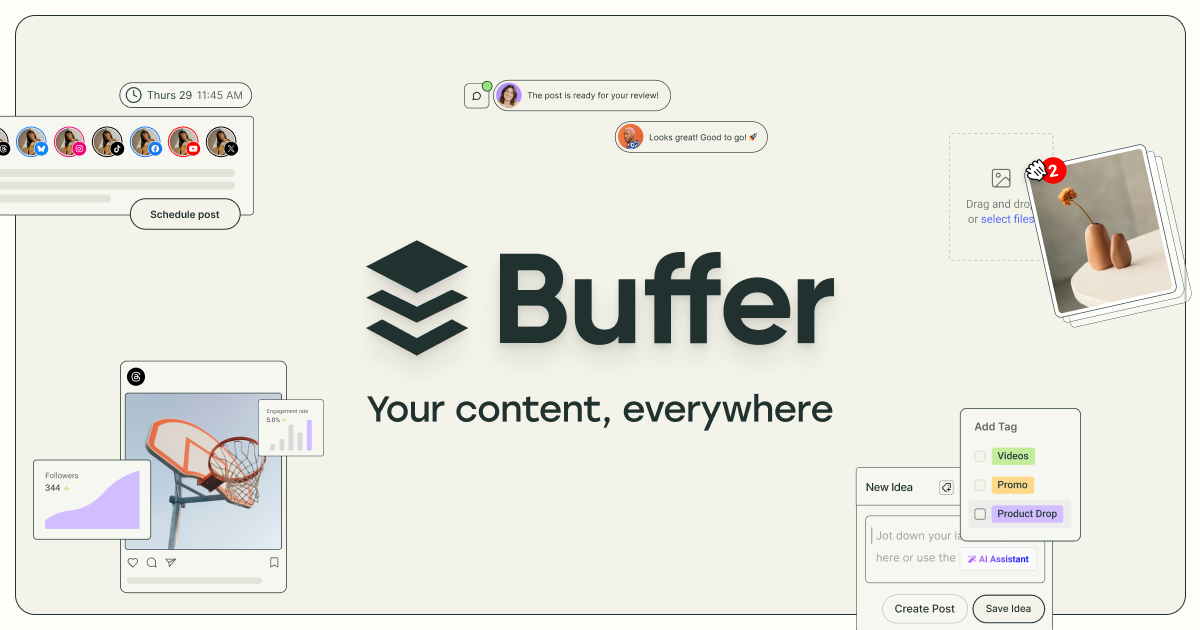
Buffer – official product screenshot
Buffer is a social media scheduling tool that lets you write, queue, and publish posts across platforms from one place, with a free AI Assistant to help draft and adapt content. It’s built for simplicity — solo creators, freelancers, and small businesses rather than big enterprise teams.
It supports 12 platforms: Facebook, Instagram, X, LinkedIn, TikTok, Pinterest, YouTube, Google Business Profile, Threads, Bluesky, and Mastodon.
How I tested it (30 days)
Channels connected:
What I posted:
AI features I used: drafting captions, repurposing, tone adaptation per platform.
What I judged: ease of use, AI quality, scheduling/queue, analytics, and whether the price felt worth it.
After 30 days, my Buffer queue had posts scheduled across 3 channels — the calendar view makes it easy to spot gaps and move time-sensitive posts.
Buffer’s AI Assistant — does it actually help?
4.5/5Our Score
Buffer – official product screenshot
Buffer’s AI Assistant is free on every plan, including the free tier, with no usage limits — which is rare. It can generate post ideas, repurpose a post into other formats, refine what you wrote, and adapt tone per platform (punchier for X, more professional for LinkedIn).
What it produced for me: Prompted with “Write a LinkedIn post about content batching,” the AI Assistant returned three usable drafts in under 10 seconds — each in a different tone. All three needed only light editing.
The honest part (after 30 days):
Features I actually used
Scheduling & queue:
Analytics:
Ideas board:
First-comment scheduling / hashtag manager:
Buffer pricing — the real cost
4.5/5Our Score
Buffer – official product screenshot
Buffer charges per channel, which is cheap at first and adds up fast:
Channels
Essentials (~$5/ch/mo)
Notes
3
Free
AI Assistant included
3 (paid)
~$15/mo
unlimited posts + analytics
10
~$50/mo
20
~$180–240/mo
gets expensive at scale
Free: 3 channels, 10 scheduled posts/channel, AI Assistant.
4.5/5Our ScoreBuffer – official product screenshot
For solo creators and small businesses running a handful of channels, Buffer is an easy yes — start on the free plan and upgrade only when you outgrow it.
Is Buffer worth it in 2026? For solo creators and small businesses with 1–4 channels, yes — it’s simple and affordable. If you manage many channels, the per-channel pricing adds up and a flat-rate competitor may be cheaper.
Is Buffer’s AI Assistant free? Yes. The AI Assistant is included on every plan, including the free tier, with no usage limits.
How much does Buffer cost? Free for 3 channels. Paid plans start around $5/channel/month (Essentials) and $10/channel/month (Team), billed annually.
Is Buffer better than Hootsuite or Publer? Buffer is simpler and cheaper for solo users; Hootsuite suits bigger teams and Publer packs more features per dollar. See our full comparison.
Does Buffer have a free plan? Yes — 3 channels, 10 scheduled posts per channel, and the AI Assistant.
Affiliate disclosure: This article contains affiliate links. If you buy through them we may earn a commission at no extra cost to you. We only recommend tools we’ve tested. Full disclosure →