Last updated: June 7, 2026 · By The Editorial Team · We test every tool ourselves. Affiliate disclosure: some links earn us a commission at no extra cost to you.
You don’t need a budget to start running social media with AI. Plenty of tools have genuinely free plans — not just 7-day trials. Below are the ones worth using, exactly what each free plan includes, where it runs out, and when upgrading actually pays off.
Free starter stack (TL;DR): Buffer (schedule + free AI) · Writesonic (captions) · Canva (design) · OpusClip (clips). All free to start.
- Best free AI writing tools — Buffer, Writesonic, Copy.ai
- Best free AI design tools — Canva, Adobe Express
- Best free AI video tools — OpusClip, CapCut
- Best free AI scheduler — Buffer, Publer
- When to upgrade
Free tools at a glance
| Tool | Free plan includes | Runs out when… |
|---|---|---|
| Buffer | 3 channels, 10 posts/channel, free AI Assistant | you need >3 channels or unlimited posts |
| Writesonic | ~10,000 words/mo | words run out / want GPT-4o |
| Copy.ai | ~2,000 words/mo | words run out fast |
| Canva | design + limited Magic Write | need Brand Kit / bg remover / full AI |
| Adobe Express | templates + ~10 Firefly credits/mo | AI credits run out |
| OpusClip | 60 credits/mo (watermarked) | watermark / more clips |
| Publer | basic scheduling | want AI + analytics |
| CapCut | lots of free video editing | pro features / watermark |
Best free AI writing tools
-
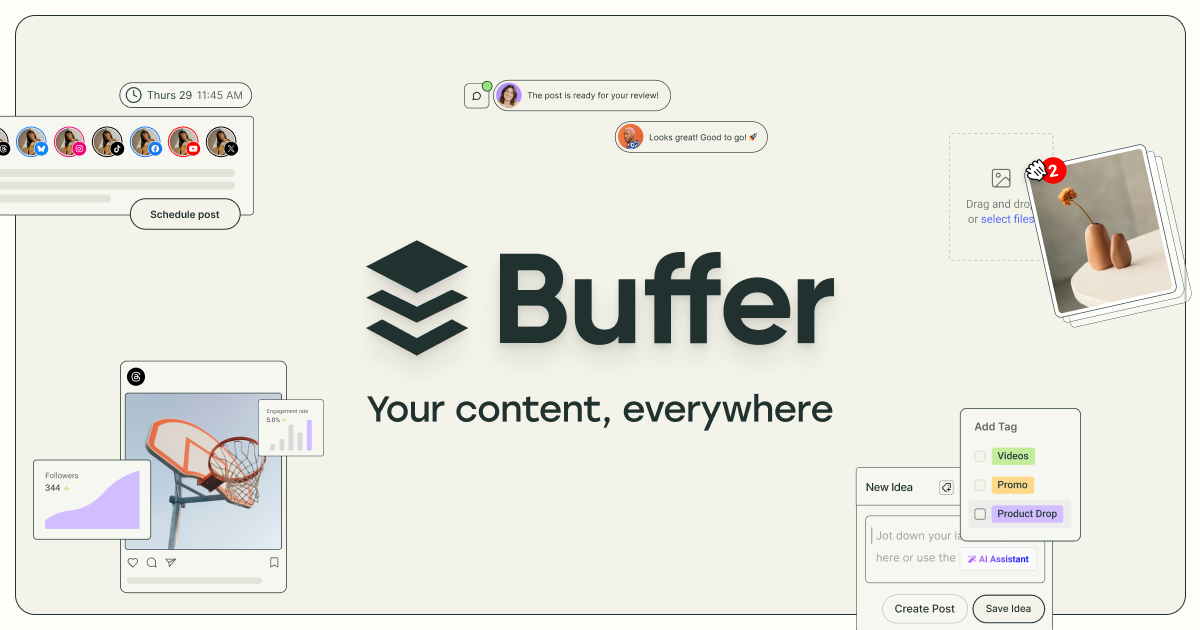
Buffer AI Assistant — free on every plan, no usage cap; writes and adapts captions. Upgrade when you need more than 3 channels. ➡️ Try Buffer free →
Verdict: Best free all-in-one — scheduling + AI on 3 channels, no word limit. -
Writesonic — biggest free word allowance (~10k/mo). Upgrade (~$20/mo) when you hit the limit or want GPT-4o. ➡️ Try Writesonic free →
Verdict: Largest free AI word allowance (~10k/mo). Best first writer to try. -
Copy.ai — ~2,000 words/mo free; good to trial. ➡️ Try Copy.ai free →
Verdict: Only 2,000 words/mo free — good to test for a week, hard to rely on.
Best free AI design tools
- Canva — the default for free social graphics, with limited Magic Write/AI. Upgrade to Pro for Brand Kit, background remover, and full AI. ➡️ Try Canva →
Verdict: Free design gold standard. Limited AI credits but templates are unmatched.
- Adobe Express — strong free templates + ~10 Firefly AI credits/mo. Premium is ~$9.99/mo. ➡️ Try Adobe Express →
Verdict: ~10 Firefly AI credits/mo is limited, but the templates and free fonts are genuinely good.
Best free AI video tools
-
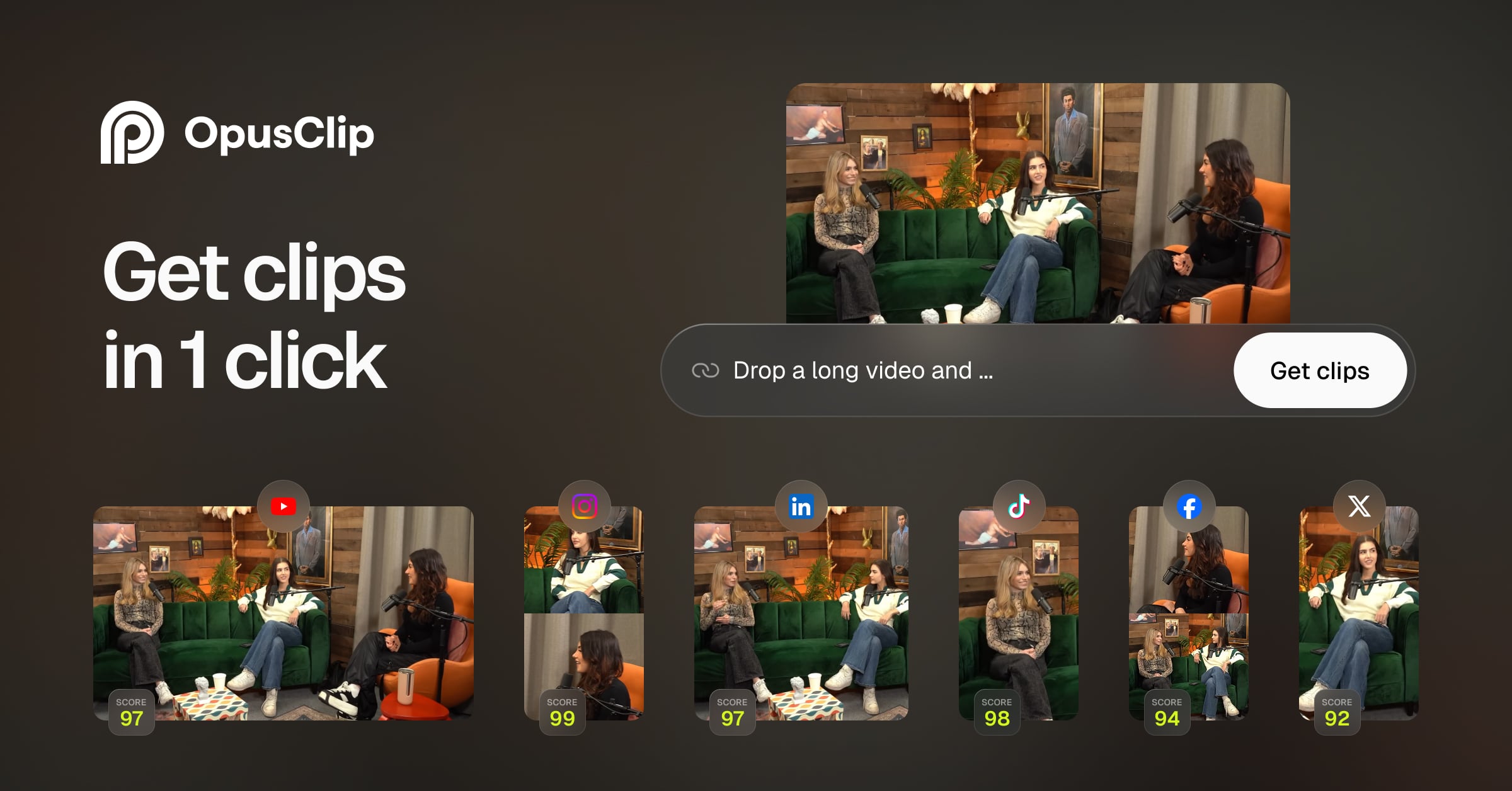
OpusClip — 60 free credits/mo to cut long video into shorts (watermarked). Upgrade (~$15/mo) to remove the watermark. ➡️ Try OpusClip →
Verdict: 60 free clips/mo (watermarked). Best free tool for turning one long video into Shorts. -
CapCut — generous free video editing for Reels/TikTok/Shorts.
Verdict: Most generous free video editor — near-unlimited editing for Reels, TikTok, and Shorts.
Best free AI scheduler
- Buffer — free for 3 channels with the AI Assistant included.
-
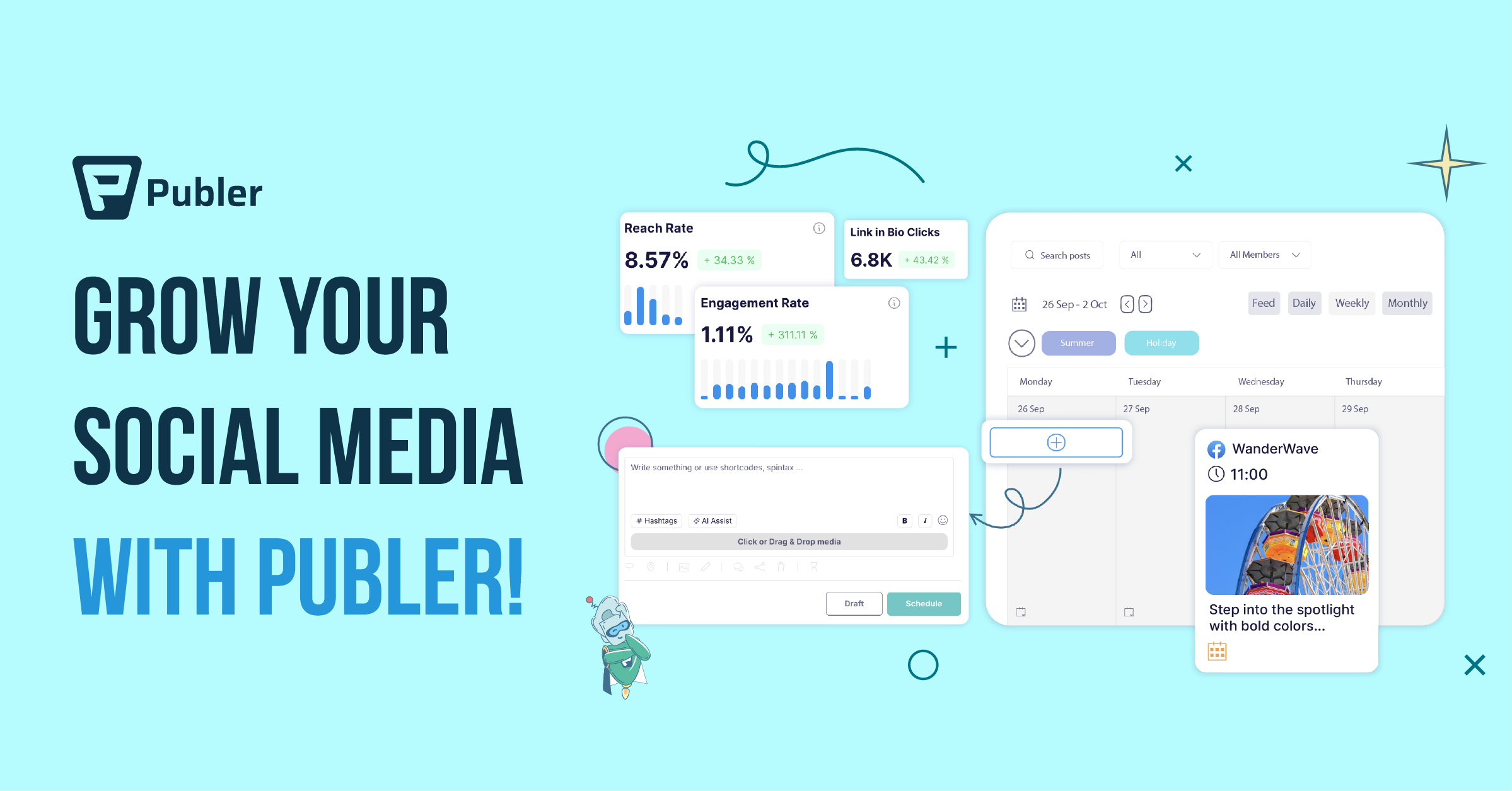
Publer — free basic scheduling; AI + analytics sit on paid Business.
Verdict: Free tier covers basic scheduling. AI features and analytics need a paid Business plan.
When is it worth upgrading?
Free is enough until you hit one of these — then a paid plan pays for itself:
- You keep hitting word/post/credit limits mid-week.
- You need more than ~3 channels.
- You want real analytics to see what’s working.
- Watermarks on your video clips look unprofessional.
My free-only starter stack
FAQ
What are the best free AI tools for social media? Buffer (scheduling + free AI), Writesonic (writing), and Canva (design) cover the basics for free.
Is Buffer’s AI Assistant really free? Yes — it’s included on every plan, including the free tier, with no usage limit.
Are free AI tools good enough for a small business? To start, yes. Upgrade once you outgrow the limits (more channels, more output, analytics).
What’s the catch with free plans? Caps on words, posts, channels, or AI credits — and sometimes watermarks on video.
When should I upgrade? When you regularly hit limits, need more channels, or want analytics. See the section above.
Affiliate disclosure: This article contains affiliate links. We only recommend tools we’ve tested. Full disclosure →